Creating a home workspace that fosters both relaxation and productivity can dramatically improve your work-from-home experience. With the right environment, you can stay focused, reduce stress, and maintain a healthy work-life balance. Whether you’re new to remote work or looking to refresh your current setup, these tips will help you design a functional and calming space tailored to your needs.
Why a Balanced Workspace Matters
When your workspace combines comfort with efficiency, you’re more likely to stay motivated throughout the day. A cluttered or uncomfortable area can lead to distractions, fatigue, and decreased output. On the flip side, a space that promotes relaxation can help you feel centered, preventing burnout and boosting creativity.
—
Choosing the Right Location
Find a Dedicated Spot
Locate a quiet area in your home where you can work without constant interruptions. Ideally, this should be a separate room or a corner with clear boundaries from the rest of your living space. Having a dedicated spot signals to your brain that it’s time to work, helping you switch into a productive mindset.
Natural Light is Key
Position your desk near a window if possible. Natural daylight enhances mood and focus, reducing eye strain compared to artificial lighting. If natural light is limited, consider using full-spectrum bulbs that mimic daylight to keep your workspace bright and inviting.
—
Ergonomics: Comfort Meets Functionality
Invest in a Good Chair
Your chair should support your posture to reduce back and neck pain. Look for an adjustable chair with lumbar support to keep you comfortable during long work sessions.
Desk Height Matters
A desk at the right height helps prevent strain on your wrists and shoulders. If a standard desk doesn’t fit your needs, adjustable desks or standing desks are great alternatives to keep you versatile throughout the day.
Set Up Your Screen Properly
Position your monitor so that the top of the screen is at or slightly below eye level, about 20-30 inches away. This setup promotes good posture and reduces eye fatigue.
—
Organize for Efficiency and Calm
Declutter Regularly
Keep only essential items on your desk to avoid distractions. Use organizers, trays, or drawers to store supplies neatly. A tidy workspace encourages a clear mind.
Use Cable Management
Tangle-free cables not only look better but also prevent frustration. Use clips or sleeves to bundle cords and keep your space neat.
Digital Organization Counts
Keep your computer desktop and files organized. Use folders, naming conventions, and a clean desktop to speed up finding what you need.
—
Create a Relaxing Atmosphere
Add Personal Touches
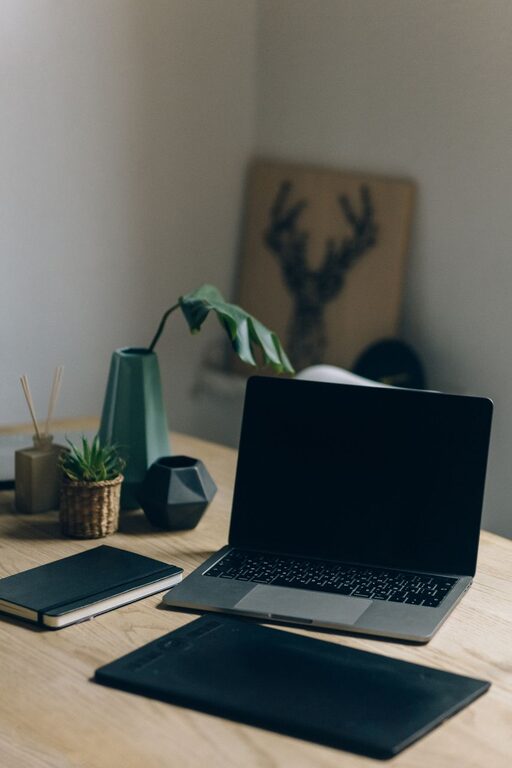
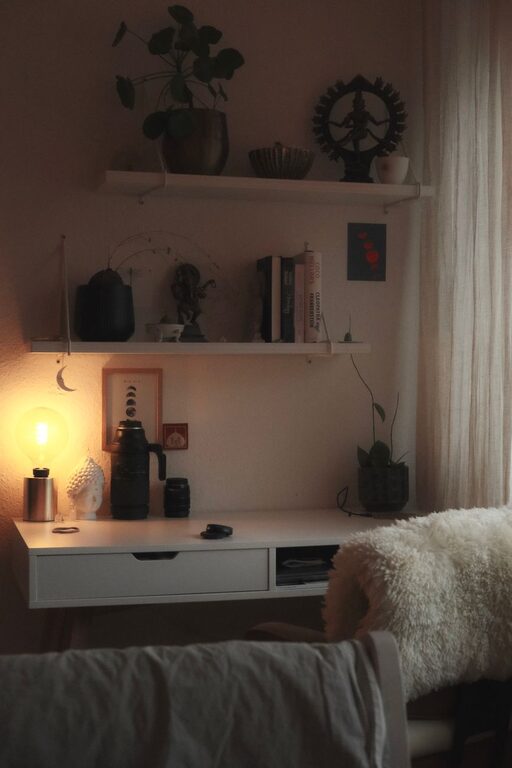
Incorporate elements that make you feel calm and happy, such as plants, artwork, or photos. Plants also improve air quality and can boost your mood.
Control Noise Levels
Use noise-canceling headphones if necessary, especially in noisy households. Alternatively, soft background music or white noise can help increase concentration.
Incorporate Soothing Colors
Paint or decorate your workspace using soft, neutral tones like light blues, greens, or grays. These colors tend to be calming and can reduce stress.
—
Establish Good Work Habits
Set Boundaries and Routine
Start and end your workday at consistent times. Take regular breaks to stretch or move around, which helps maintain energy and prevent burnout.
Use Time Management Techniques
Try methods like the Pomodoro Technique—working for 25 minutes, then taking a 5-minute break. This approach helps keep focus sharp and prevents fatigue.
Keep Hydrated and Snack Smart
Keep a water bottle nearby and choose light, healthy snacks to maintain energy without feeling sluggish.
—
Lighting and Temperature Tips
Use Task Lighting
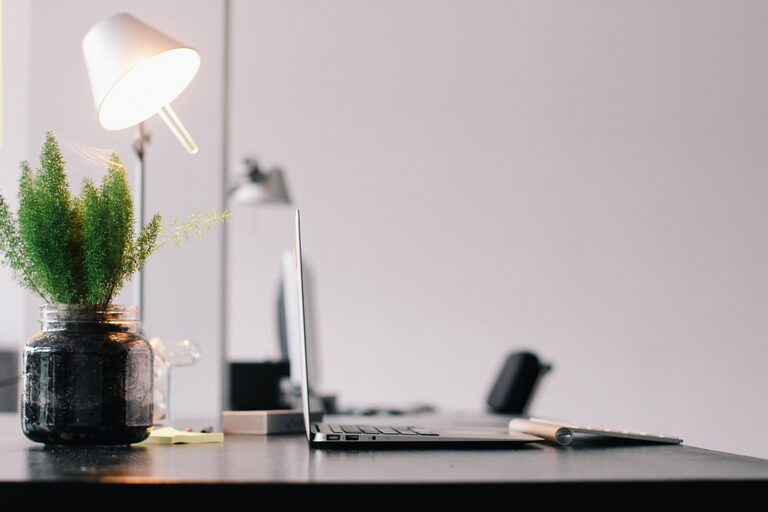
In addition to natural or overhead light, use a desk lamp for focused tasks. Adjustable lamps allow you to direct light exactly where you need it.
Maintain a Comfortable Temperature
A room too hot or too cold can be distracting. Aim for a temperature between 68-72°F (20-22°C) for optimal comfort.
—
Technology and Tools
Reliable Internet and Equipment
A fast, stable internet connection is vital. Invest in quality peripherals like keyboards, mice, and headphones designed for comfort and efficiency.
Use Apps for Focus and Organization
Apps like task managers, calendars, and focus timers can improve productivity and help manage your workload effectively.
—
Conclusion
Creating a relaxing and productive home workspace takes thoughtful planning but pays off with increased comfort and efficiency. By choosing the right location, prioritizing ergonomics, organizing intelligently, and adding calming elements, you can design a space that supports your best work and well-being. Remember, small improvements over time make a big difference—start with a few changes and adjust your setup to fit your unique needs. Happy working!

Related Posts