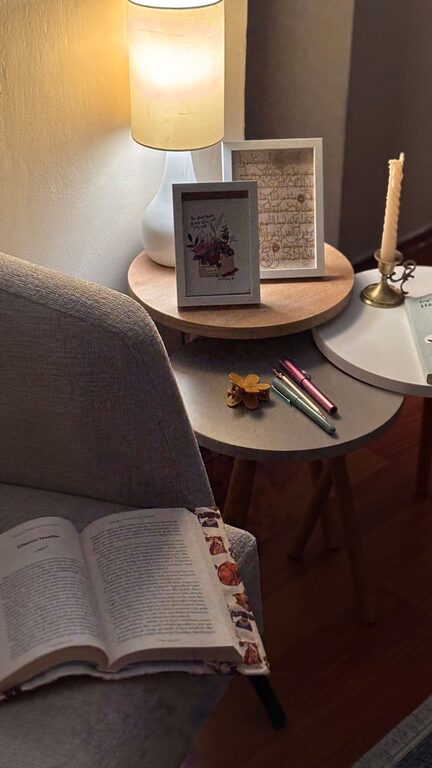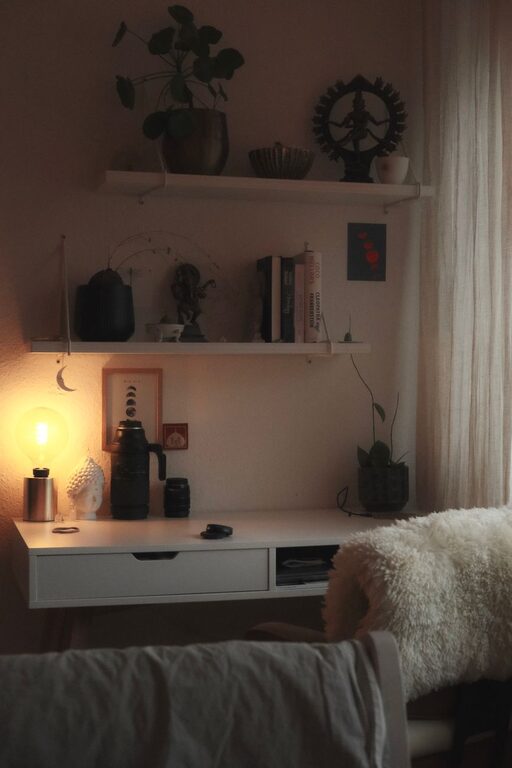

Creating a productive home office environment is essential for anyone working remotely or managing tasks from home. A well-designed workspace helps you stay focused, motivated, and comfortable throughout the day. Whether you’re new to working from home or looking to improve your current setup, these helpful tips will guide you in creating an efficient and enjoyable home office.
1. Choose the Right Space
Selecting the best location for your home office is the first step toward productivity.
– Quiet and low traffic: Pick a spot away from high-traffic areas like the kitchen or living room to minimize distractions.
– Natural light: Set up near a window if possible. Natural light improves mood and reduces eye strain.
– Dedicated area: Aim for a specific space that signals “work” to your brain, separate from relaxation or entertainment zones.
2. Invest in Ergonomic Furniture
Comfort is key when you’re sitting at a desk for hours.
– Ergonomic chair: Look for adjustable chairs with good lumbar support to maintain proper posture.
– Desk height: Ensure your desk height allows your elbows to rest comfortably at about a 90-degree angle.
– Use a keyboard and mouse: External devices can reduce strain compared to working directly on a laptop.
3. Organize for Efficiency
A clutter-free workspace helps keep your mind clear.
– Storage solutions: Use shelves, drawers, or filing cabinets to keep papers and supplies neatly stored.
– Desk organization: Keep only essential items on your desk, like your computer, notebook, and pen.
– Cable management: Use clips or ties to avoid tangled cords and keep your setup neat.
4. Optimize Lighting
Proper lighting reduces fatigue and improves productivity.
– Combine natural and artificial light: Use daylight when available, supplemented by a quality desk lamp.
– Avoid glare: Position your monitor perpendicular to windows to reduce screen glare.
– Use warm light: Warm or neutral-colored bulbs create a comfortable environment that’s easy on the eyes.
5. Minimize Distractions
Staying focused at home can be challenging without boundaries.
– Set clear work hours: Communicate your schedule with family or housemates to minimize interruptions.
– Turn off notifications: Silence unnecessary alerts on your phone and computer during work sessions.
– Create visual boundaries: Use room dividers or curtains if you share space with others.
6. Personalize Your Workspace
Adding personal touches makes your office more inviting and motivating.
– Decorate with plants: Indoor plants can improve air quality and add a splash of color.
– Inspire yourself: Hang artwork, quotes, or photos that uplift your mood.
– Comfort items: Consider a cozy rug or a small fan for added comfort.
7. Maintain Good Air Quality and Temperature
A comfortable environment helps you stay alert and focused.
– Ventilate regularly: Open windows when possible to bring in fresh air.
– Control temperature: Use fans, heaters, or air conditioning to keep your workspace at a comfortable temperature.
– Avoid strong odors: Strong scents can cause headaches or distractions.
8. Use Technology Wisely
The right tech tools can enhance your productivity.
– Reliable internet connection: Ensure your Wi-Fi is strong and stable.
– Use noise-canceling headphones: These can block out background noise and improve concentration.
– Organizational apps: Use task management or calendar apps to keep track of deadlines and meetings.
9. Take Breaks and Move Around
A productive workspace encourages healthy habits.
– Follow the 20-20-20 rule: Every 20 minutes, look at something 20 feet away for 20 seconds to reduce eye strain.
– Stand or stretch: Use a standing desk or take short breaks to move and stretch regularly.
– Stay hydrated: Keep water nearby and drink regularly to maintain energy.
10. Keep Your Digital Files Organized
An organized digital workspace complements your physical setup.
– Create clear folders: Develop a system for storing and naming files logically.
– Regular backups: Save important documents to cloud storage or external drives.
– Clean your desktop: Remove unused shortcuts and files that clutter your screen.
—
Creating an effective home office doesn’t have to be complicated. By choosing the right space, investing in ergonomic furniture, and staying organized, you can build a work environment that supports your productivity and well-being. Remember to personalize your office so it feels inviting and inspiring, and don’t forget to take care of your physical and mental health while working from home. With these tips, your home office can become a place where work feels both comfortable and efficient.

Related Posts